where is the clipboard on my iphone 6
Although there is no way to see your clipboard history on an iPhone you can see the last thing you copied. The last item copied to the Clipboard will be.
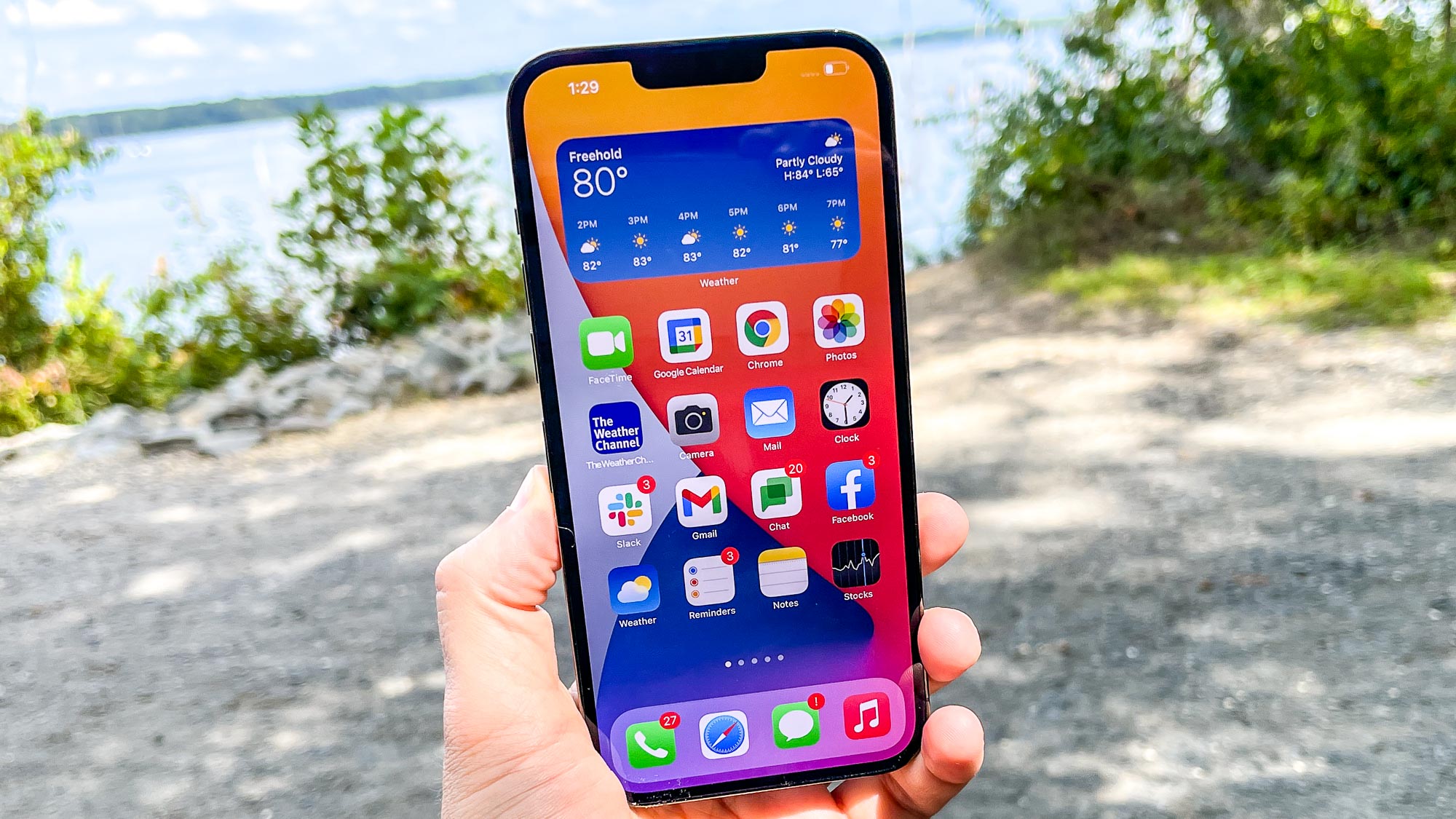
This Underrated Iphone And Ipad Feature Will Blow Your Mind Tom S Guide
On an iPhone or iPad you can only store one.

. Answer 1 of 2. How to View the Last Thing You Copied. Go to Keyboard Clipboard.
To access the Clipboard simply text field. How To Use Clipboard On iPhone. - McGregor Support where is clipboard on iphone 6.
The Clipboard is located in the bottom left corner of the screen. However you can only copy a single item at a time. Donors can also give by check payable to.
There is no visible clipboard on iPhone like you get in Android devices. There is no viewable. To access your clipboard you have to tap and hold.
Tap and hold a text box to bring up the pop-up menu then choose paste to paste the contents of your clipboard. You can easily create a custom shortcut to access and use the clipboard content on iPhone. Now tap on the Menu Galley.
You can see a list of the past items. Under Recent Copies you will be able to see. Items saved to the clipboard will be able to be pasted again and again until you overwrite them with the next thing you copy.
How to access clipboard on my iPhone. Lastly if you want to view the copied data you can open the clipboard history by accessing the Settings app. - McGregor Support where is clipboard on iphone 6.
Another way is to use the AssistiveTouch feature. This is accomplished by. Open up what ever app you want to use and paste the link.
There is no viewable clipboard on an iPhone at all. Where Is My Clipboard On My Iphone 6. Follow these steps to create a shortcut to access your clipboard on your iPhone Search for the application Shortcuts.
How to access clipboard on iPhone by creating a clipboard shortcut. The clipboard on iPhone is an internal structure. Its a hidden internal structure.
The Clipboard is a white square with a black arrow pointing up. The Clipboard on the iPhone however is not visible. Search Adjust Clipboard and.
Proceed to the Gallery menus and on the search icon type show clipboard. There is no viewable clipboard on an iPhone at all. It works when your devices are near each other and set up as.
Rumor Ios 16 To Drop Support For Iphone 6s Iphone 6s Plus And First Gen Iphone Se R Apple To access your clipboard all you need to do is tap and hold in any text field and. Use Universal Clipboard with any Mac iPhone iPad or iPod touch that meets the Continuity system requirements. I saved a link to my clipboard but dont know how to access it.
Copy the text in the Return space by highlighting it. Items saved to the clipboard will be able to be pasted again and again until you overwrite them with the next thing you copy. - McGregor Support where is clipboard on iphone 6.
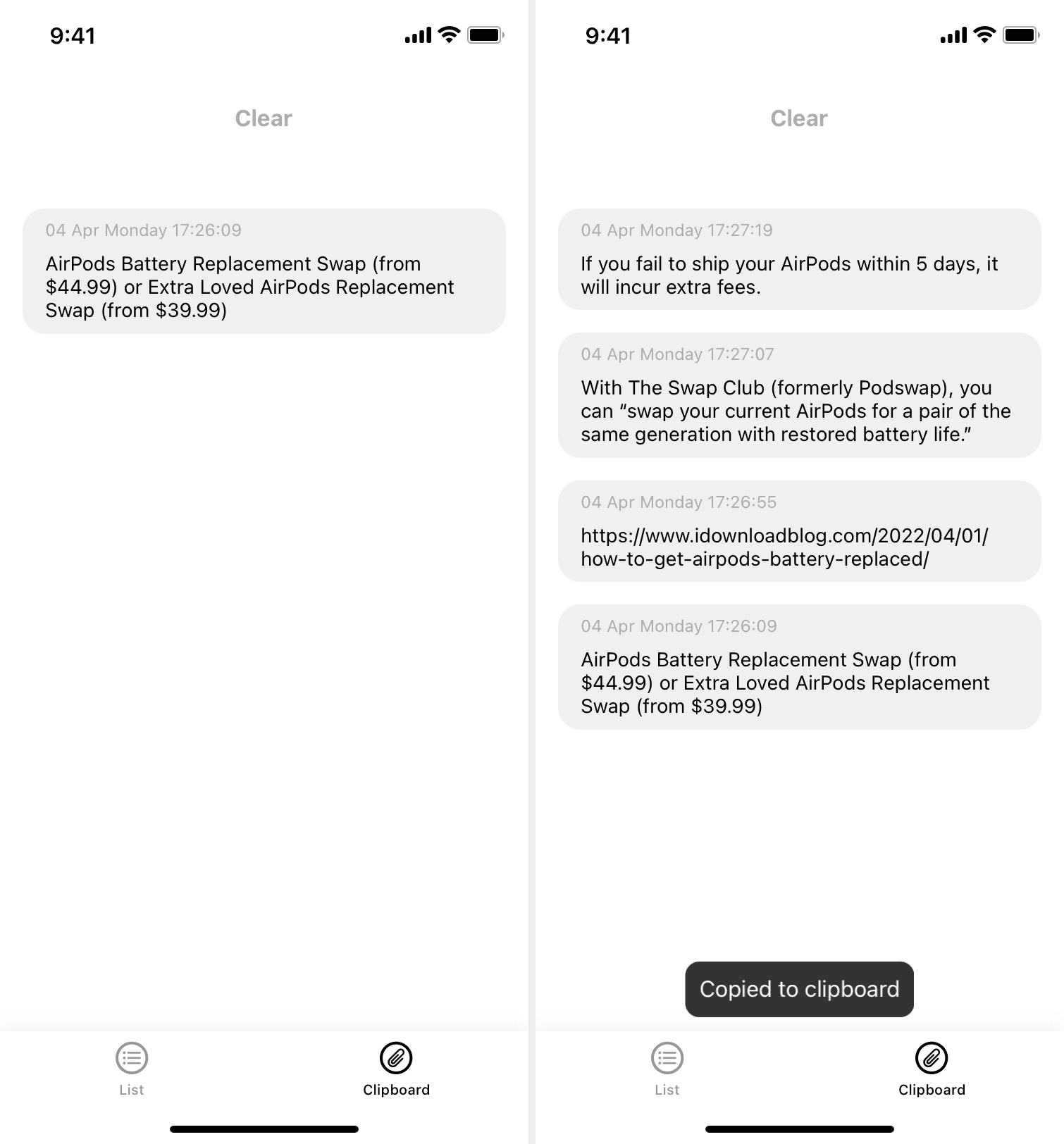
How To Save And Access Your Clipboard On Iphone
Tiktok And 32 Other Ios Apps Still Snoop Your Sensitive Clipboard Data Ars Technica

3 Ways To Access The Clipboard On Android Wikihow
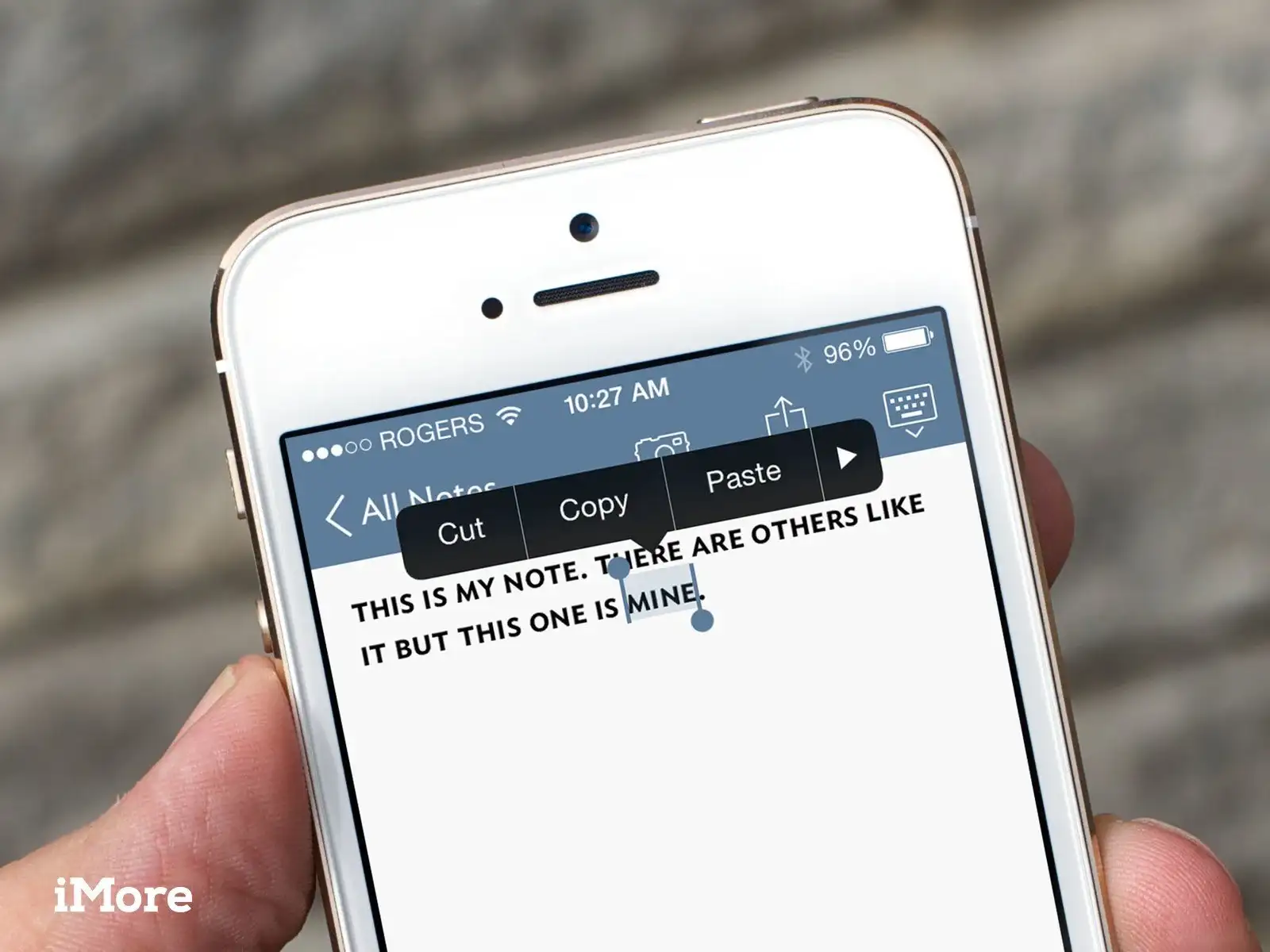
Where Is The Clipboard On My Iphone 3 Best Clipboard Apps For Iphones

How To Access Clipboard On Iphone Applavia
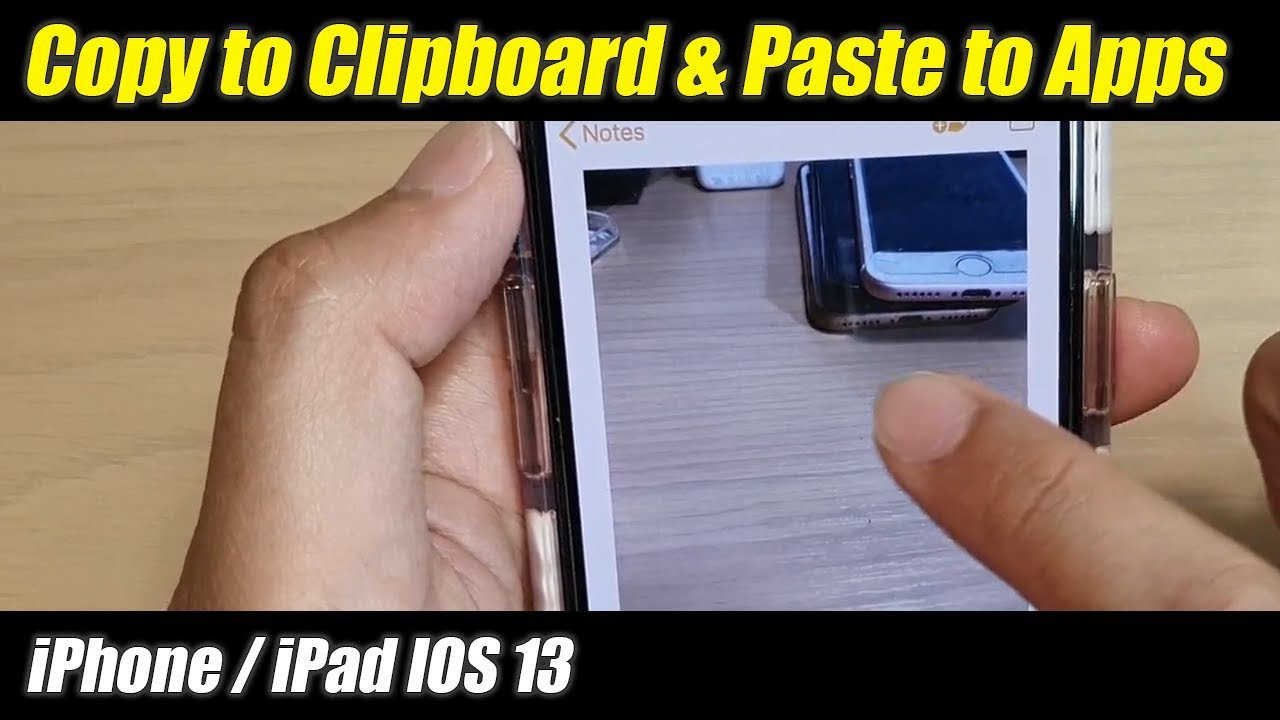
How To Copy A Photo To Clipboard And Paste It To Other Apps On Iphone Ipad Ios 13 Youtube
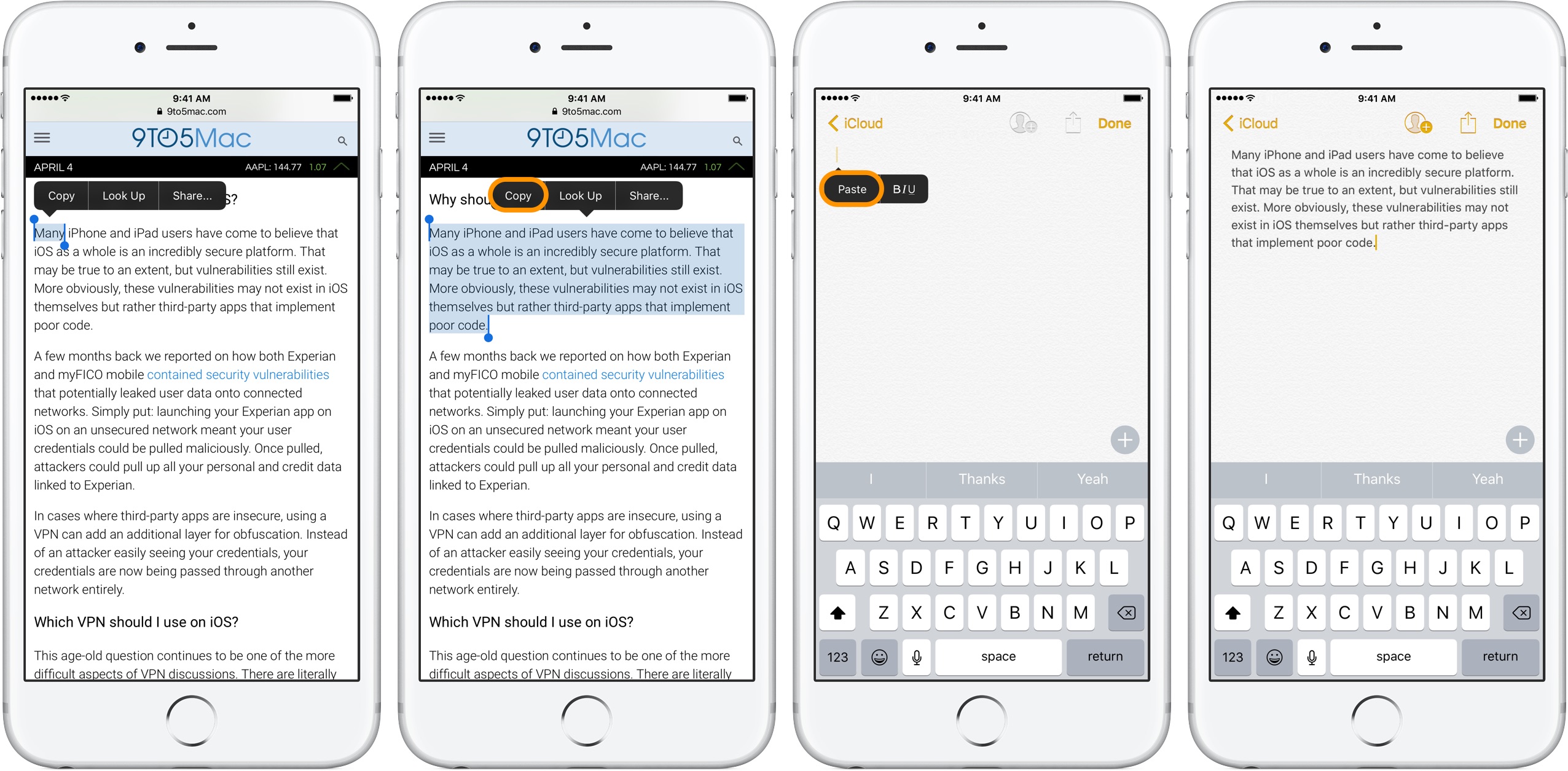
How To Copy And Paste With Iphone And Ipad 9to5mac
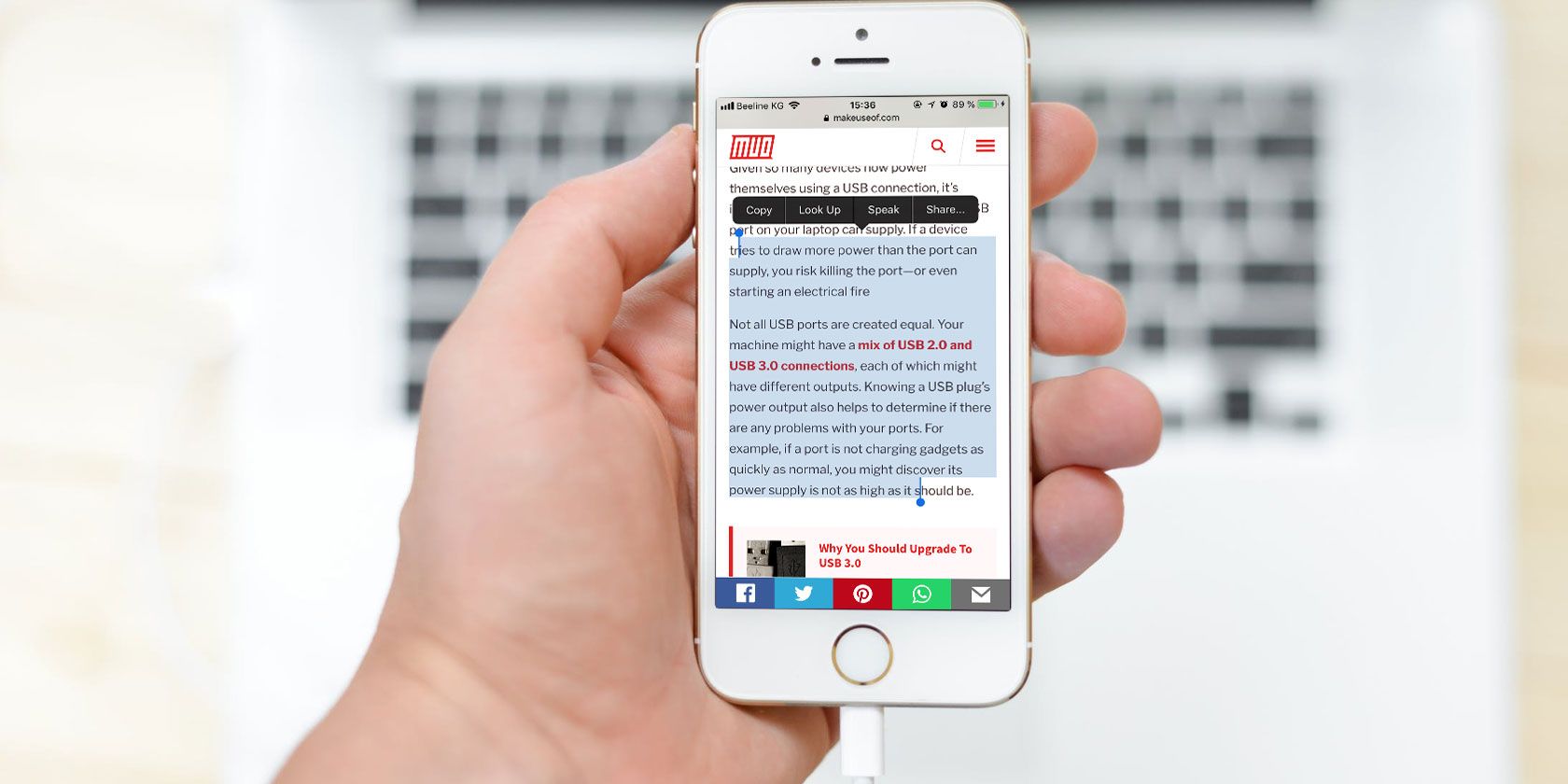
The 5 Best Iphone Clipboard Managers
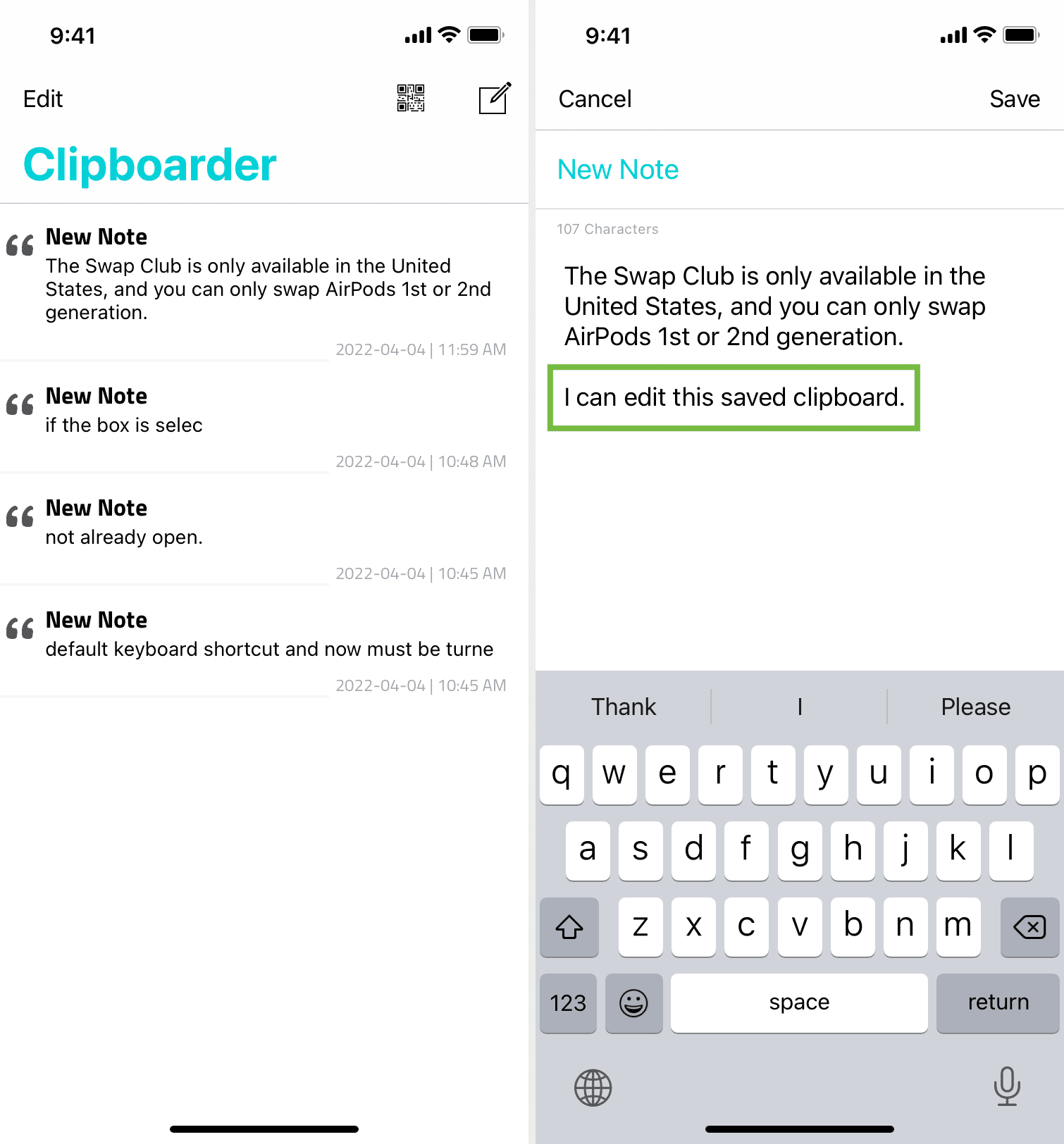
How To Save And Access Your Clipboard On Iphone
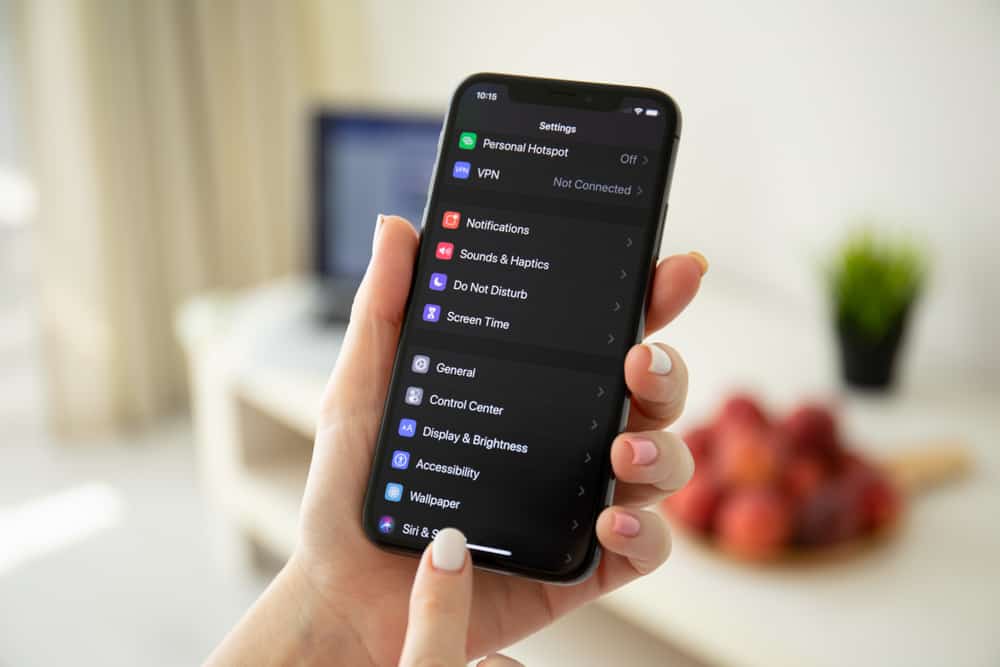
Where Is Clipboard On Iphone Answered Devicetests

How To Manage Your Ios 8 Clipboard From Notification Center

Widgets And A New Sidebar Design Make Anybuffer A Standout Among Clipboard Managers Macstories
Where Is The Clipboard On My Iphone X Quora
Where Is The Clipboard On My Iphone X Quora
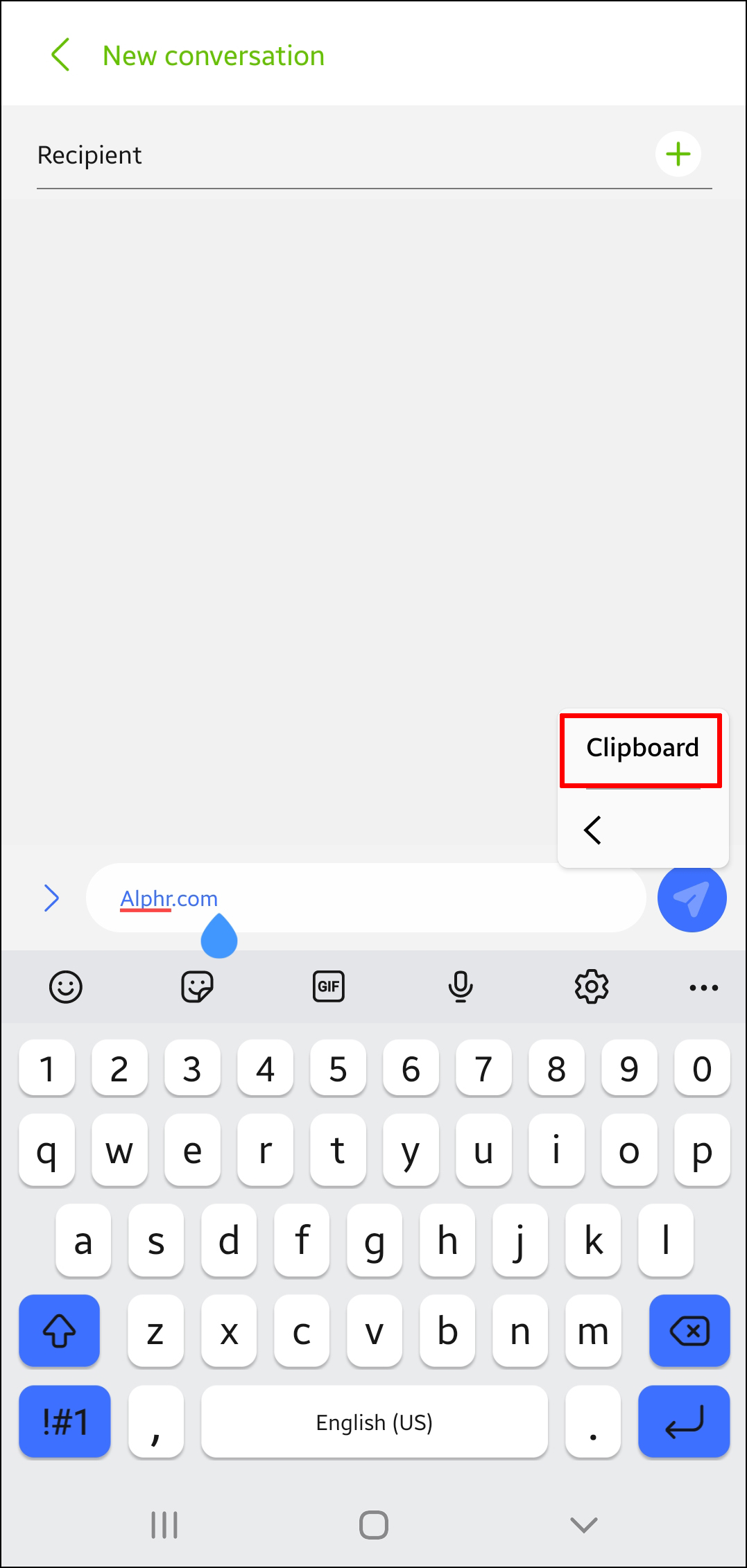
How To View The Clipboard History On An Android Phone

Clipboard Plus Copy Widget On The App Store

Where Is The Clipboard On My Iphone

How To Restore Iphone 6 Plus Or Iphone 6

Can Iphone 6 Get Ios 14 Here Are Steps To Update Your Iphone To Ios 14 Mobile